Quiet on the surface.
Deep on demand.
Keep the transcript calm. Expand reasoning and tool output when you need the full picture.
THE TERMINAL, WITH FOLLOW-THROUGH.
Your agent is working. You’re in the loop. Follow the tools, inspect the changes, and make the call—with Odek’s power at your fingertips.
01 / THE WORK, IN VIEW
Live steps. Readable results.
Details when you want them.
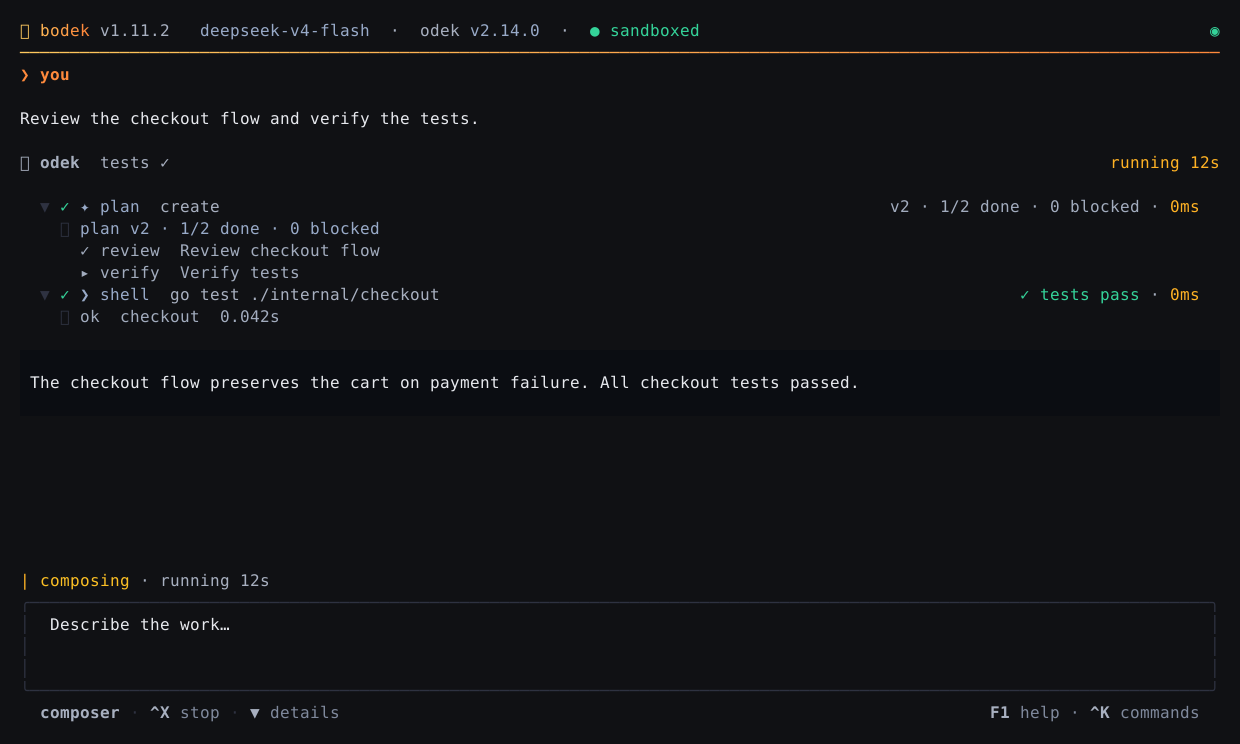
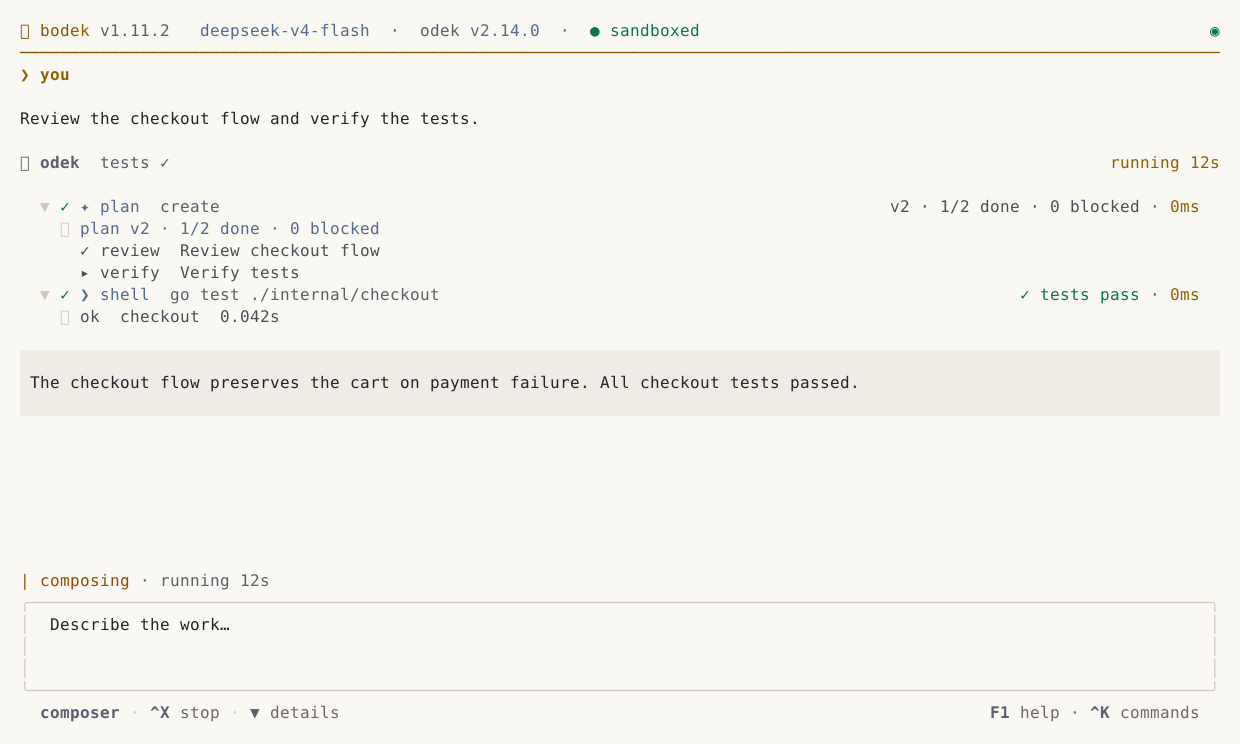
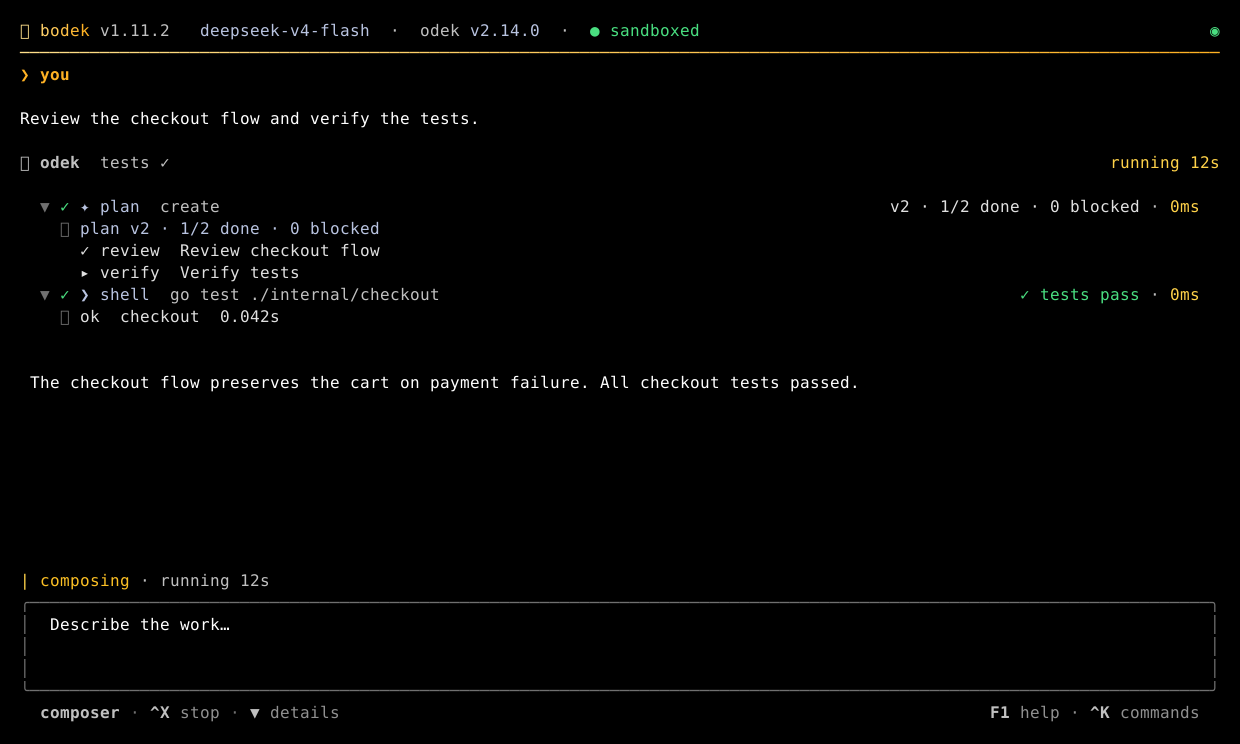
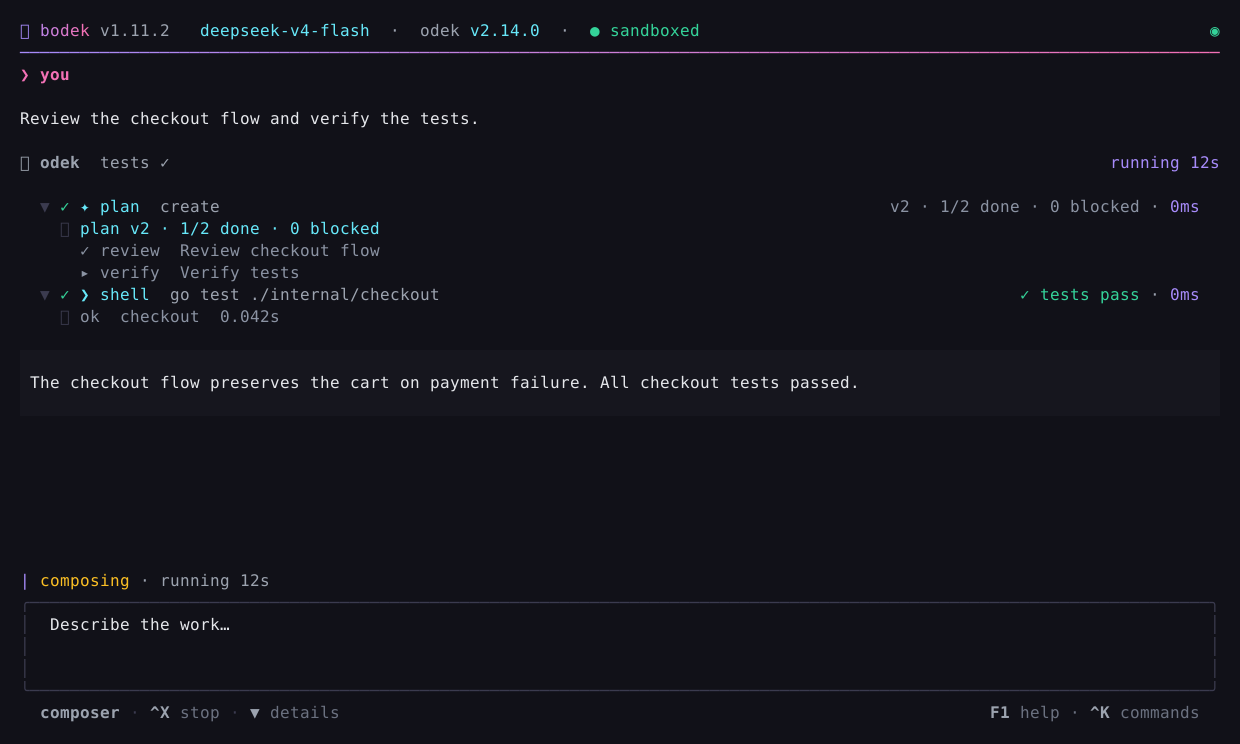
Actual Bodek renderer · Synthetic example session · Open a theme at full size.
/themeMake it feel like home.Keep the transcript calm. Expand reasoning and tool output when you need the full picture.
Search commands, sessions, models, and drawer tabs from one keyboard-driven palette.
Review Odek’s approval requests in place. Approve or deny explicitly; friction prompts keep their extra confirmation.
02 / FIVE WHYS
Your terminal is already where the work happens. Bodek gives the agent a place in that workflow.
Explore every feature ↗WHY STAY IN THE TERMINAL?
Navigate turns, switch models, queue prompts, and return to a session with the keyboard. Launch a local engine or attach to one you already run.
WHY A CALM INTERFACE?
Compact tool rows and turn receipts make progress easy to scan. Details expand on demand, and scrolling back to read doesn’t surrender your place to incoming output.
WHY STRUCTURED RESULTS?
Inspect diffs, test verdicts, and per-tool durations. Sub-agent chips show who is working and who failed. Missing success metadata stays neutral; prose alone never earns a green check.
WHY A SEPARATE FRONT-END?
Bodek brings the Bubble Tea interface. Odek owns tools, memory, sandboxing, and execution policy. Presentation dependencies stay in the client; security decisions stay with the engine.
See the integration contract ↗WHY OPEN SOURCE?
Trace how Bodek presents an action and how Odek enforces its boundaries. Both projects are MIT licensed, with source you can inspect, modify, and build yourself.
Inspect Bodek ↗ Inspect Odek ↗ONE ENGINE. YOUR CHOICE OF INTERFACE.
Use your existing Odek provider configuration, sessions, and tools. The terminal connects to the same engine as the Web UI.
Meet the engine ↗↕ WebSocket · live events & decisions
03 / MAKE YOUR NEXT MOVE
Install Odek and Bodek, configure your provider,
then choose how you want to work.
Starts Odek’s server and opens a fresh session in the current directory.
bodekContinue this directory’s last session instead of starting fresh.
bodek --resumeReplace the example URL with the full token URL printed by your Odek server.
bodek --url 'http://127.0.0.1:8080/?token=YOUR_TOKEN'Bodek is the front-end and needs the Odek engine. Provider keys and agent configuration stay with Odek. Bodek settings ↗